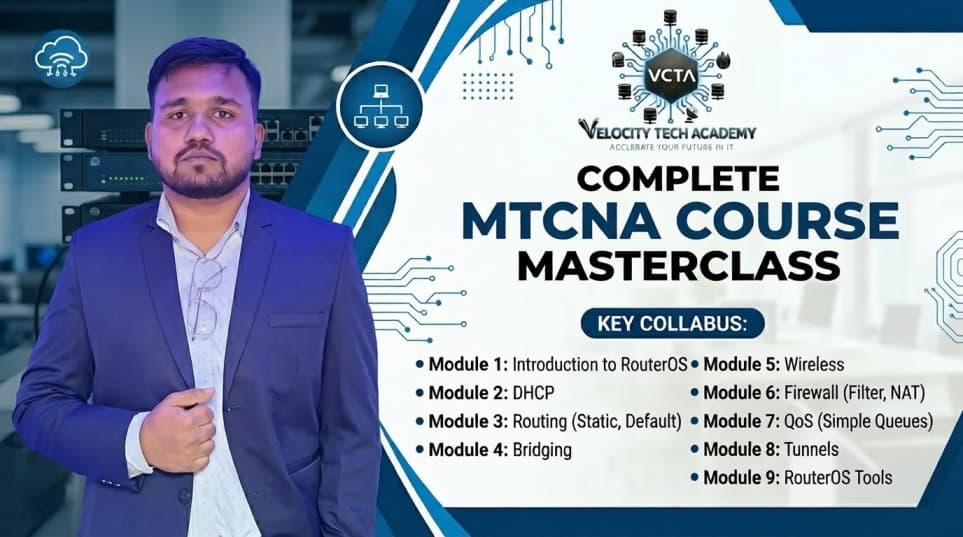
MIKROTIK - MTCNA
Module 1: Introduction to MikroTik & RouterOS
Hardware & Software: Understanding RouterBOARD architecture and the RouterOS operating system.
Initial Access: Connecting via Winbox (MAC/IP), WebFig, SSH, and Terminal.
CLI Mastery: Navigation, command history, and using the built-in help system.
Basic Config: Setting up a "Gateway" router (Internet Access, DHCP Client, NAT Masquerade).
Maintenance: Upgrading RouterOS, managing backups vs. exports, and using Netinstall for recovery.
🛠️ Module 2: DHCP & Bridging (ISP Fundamentals)
DHCP Server/Client: Configuring address pools, static leases, and troubleshooting DHCP communication.
Bridging: Creating bridge interfaces, adding ports, and understanding the difference between "Switching" and "Bridging."
ISP Scenario: Setting up a Customer Premises Equipment (CPE) for home/office use.
🌐 Module 3: Routing & Static Routes
Routing Concepts: Understanding the Routing Table, Gateway, and Distance.
Static Routing: Creating specific routes and a Default Route ($0.0.0.0/0$).
Policy Routing Basics: Introduction to how traffic chooses paths in a multi-provider environment.
📶 Module 4: Wireless Networking
Wireless Standards: $802.11a/b/g/n/ac$ protocols and frequencies (2.4GHz vs 5GHz).
Setup: Access Point (AP) vs. Station modes.
Security: Implementing WPA2/WPA3 and using Access Lists.
ISP Special: Introduction to NV2 (MikroTik's proprietary TDMA protocol for long-distance ISP links).
🛡️ Module 5: Firewall & Network Security
Chain Logic: Deep dive into
Input,Forward, andOutputchains.Filter Rules: Blocking unauthorized access and protecting the router.
NAT (Network Address Translation): Source NAT (Masquerade) and Destination NAT (Port Forwarding for servers).
Address Lists: Managing bulk IPs for firewall efficiency.
📊 Module 6: Quality of Service (QoS)
Simple Queues: Limiting bandwidth for specific users (Download/Upload).
Targeting: Limiting by IP, subnet, or interface.
Bursting: Allowing temporary high speeds for web browsing while limiting long downloads.
PCQ (Per Connection Queuing): Automatically dividing bandwidth equally among 100+ ISP users.
🕳️ Module 7: Tunnels & VPNs
PPP Concepts: Profiles, Secrets, and Status.
PPPoE: Setting up a PPPoE Server and Client (The standard for ISP user authentication).
Site-to-Site: Basic PPTP/SSTP tunnels to connect branch offices securely.
🔍 Module 8: Monitoring & Troubleshooting
Tools: Ping, Traceroute, Torch (Real-time traffic monitor), and Graphs.
System Logs: Interpreting errors and debugging services.
The "Support" File: Generating
supout.riffor MikroTik support.
Success Stories
Not Available
Why Choose Our Course?
Live Online Classes
Our live online classes provide an interactive learning experience, allowing you to engage with instructors and fellow students in real-time. This format fosters a collaborative environment where you can ask questions, participate in discussions, and receive immediate feedback on your progress.
Project-Based Learning
Our courses are designed based on project-based learning, which allows you to apply your skills in real-world scenarios. This approach helps you develop problem-solving abilities and enhances your expertise according to industry demands.
Career Guidance and Placement Assistance
We offer comprehensive career guidance and placement assistance to help you navigate the job market successfully. Our experienced career counselors provide personalized support, including resume writing, interview preparation, and job search strategies, to ensure you are well-equipped to secure your desired position in the tech industry.
Practice Labs and Mentorship
Our practice labs provide a hands-on learning environment where you can apply theoretical knowledge to real-world projects. Additionally, our mentorship program connects you with industry experts who offer guidance, support, and insights to help you succeed in your tech career.
Lifetime Access
Once you enroll in our course, you will have lifetime access. This means you can continue your learning journey at your convenience.